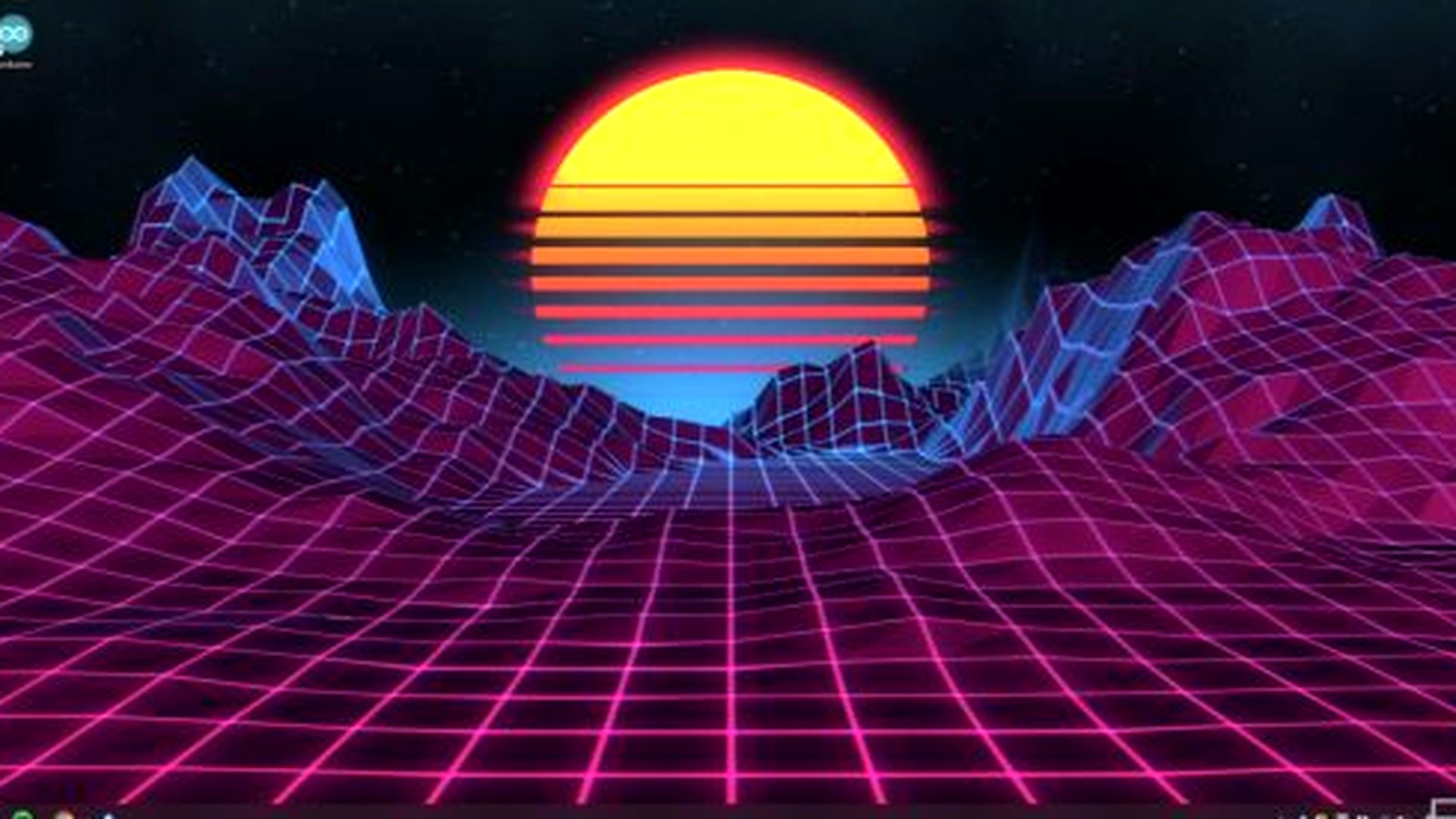
How to find better wallpapers
- Start in Steam Workshop and filter by wallpaper type or tag.
- Check the preview, description, resolution, audio, and interaction notes.
- Compare recent ratings instead of relying only on lifetime popularity.
- Test performance before adding an item to a permanent playlist.
- Favorite strong picks and unsubscribe from items you no longer use.
Choose by wallpaper type
Scene wallpapers
A strong default for animated art, particles, parallax, and interactive effects.
Video wallpapers
Useful for predictable loops, but resolution and bitrate can affect file size and playback load.
Web wallpapers
Can provide rich interaction, clocks, visualizers, or widgets, but may use more resources.
Popular search themes
Players commonly browse game wallpapers, anime wallpapers, landscapes, cars, space, cyberpunk, pixel art, music visualizers, and minimal desktop scenes. This guide does not republish creators’ files; use the official Workshop and respect each creator’s rights.
Evaluate quality before subscribing
| Check | Why it matters | Good sign |
|---|---|---|
| Aspect ratio | Wrong ratios create awkward crop or empty space. | The description or preview matches your 16:9, ultrawide, portrait, or span layout. |
| Recent feedback | Old totals can hide newly broken items. | Recent comments show the wallpaper still works and the creator responds. |
| Controls | Sound, particles, clocks, and mouse effects may be distracting. | Optional features can be disabled in wallpaper properties. |
| Performance | Complex web code or effects can consume more resources. | The creator explains expected load and offers quality options. |
| Source rights | Some uploads redistribute art without permission. | Original work or clear attribution and permission information. |
Build playlists that remain useful
Instead of one enormous playlist, create smaller groups for work, gaming, evening, audio-reactive scenes, and each monitor orientation. Keep video-heavy items separate so you can disable them on battery. A playlist built around similar aspect ratios produces fewer bad crops.
- Favorite promising items before subscribing to dozens.
- Test each item for several minutes with Task Manager visible.
- Mute or configure audio immediately.
- Add only tested items to a named playlist.
- Review subscriptions monthly and remove items you never use.
Theme ideas without copied downloads
Popular discovery themes include games, anime, cyberpunk, space, landscapes, pixel art, cars, minimal scenes, clocks, and music visualizers. This guide does not rehost wallpapers or claim a permanent “top ten,” because Workshop availability, ratings, and creator permissions change. Use the official Workshop, credit creators, and respect removal or licensing decisions.
A restrained Scene that fits your display and pauses reliably can be better than a visually dense project with constant motion, sound, and high resource use.
Official discovery source
Selection criteria reviewed September 10, 2026. Workshop rankings change continuously.