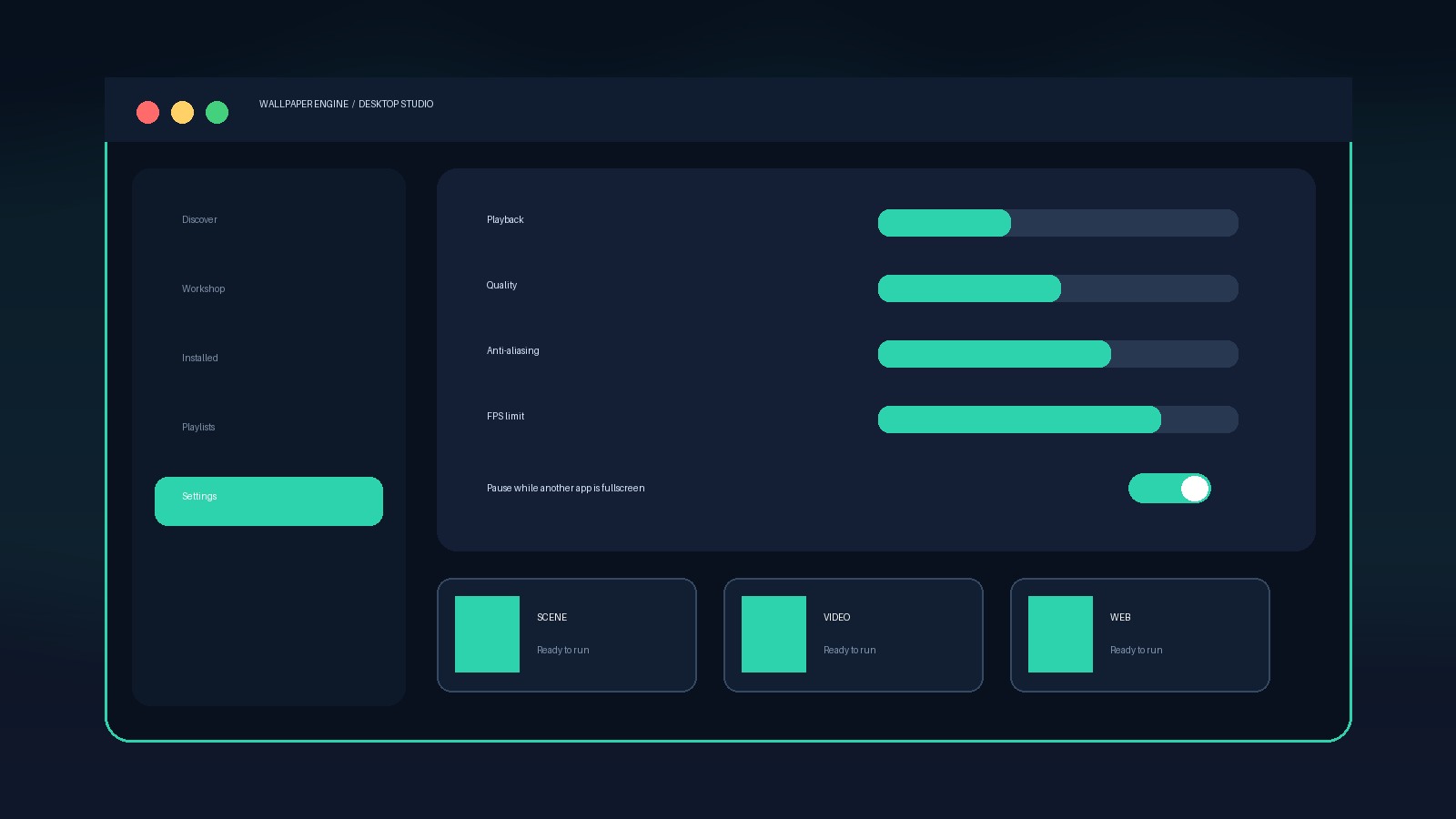
Fast diagnosis
- Switch temporarily to a simple built-in or lightweight scene.
- Lower the wallpaper FPS limit.
- Set fullscreen and maximized applications to Pause or Stop.
- Disable heavy wallpaper properties such as reflections or high particle counts.
- Check Task Manager again after each change.
Why it happens
Complex web wallpapers, high-resolution video, uncapped frame rates, multiple displays, and interactive effects can all increase GPU work.
When to investigate further
If usage remains high on a basic wallpaper while the desktop is idle, verify files and review graphics-driver or overlay conflicts.
Five-minute isolation test
- Restart Wallpaper Engine and choose a simple built-in Scene wallpaper.
- Set the frame-rate limit to 30 FPS and disable heavy optional effects.
- Close overlays, screen recorders, RGB integrations, and desktop customization utilities temporarily.
- Set fullscreen applications to Stop, then launch a game and compare usage.
- Repeat with a video wallpaper. If only videos cause trouble, investigate graphics drivers and video decoding rather than Scene quality.
Task Manager can show several GPU engines. A low percentage on a dedicated video-decoding engine is not equivalent to the same percentage of 3D rendering. Judge the issue using system responsiveness, temperature, fan behavior, and whether usage remains high when the wallpaper should be paused.
Likely causes and the matching fix
One wallpaper is heavy
Reduce its properties, FPS, or resolution, or replace it. Creator-defined particles and effects can dominate resource use.
All Scene wallpapers are heavy
Clean-install the graphics driver, disable overlays, and verify Wallpaper Engine files through Steam.
Only video wallpapers are heavy
Check hardware video decoding, codecs, and GPU drivers. Test a common MP4 file to separate the source video from the application.
Only multiple monitors are heavy
Use one cloned or spanned wallpaper as a baseline, match native resolutions, and avoid several complex independent scenes.
When high usage is expected
A complex interactive wallpaper displayed across several high-resolution monitors can legitimately require GPU time. Wallpaper Engine is rendering live content, not showing a static JPEG. The goal is not necessarily zero GPU use while the desktop is visible; the important requirement is that playback pauses or stops correctly when performance-sensitive applications take priority.
If Wallpaper Engine itself crashes, the official support team reports that broken graphics drivers, antivirus interference, and other injected software are frequent causes. Verify files before performing a full reset, and avoid random registry-cleaning utilities.
Official references
Troubleshooting flow reviewed September 10, 2026.