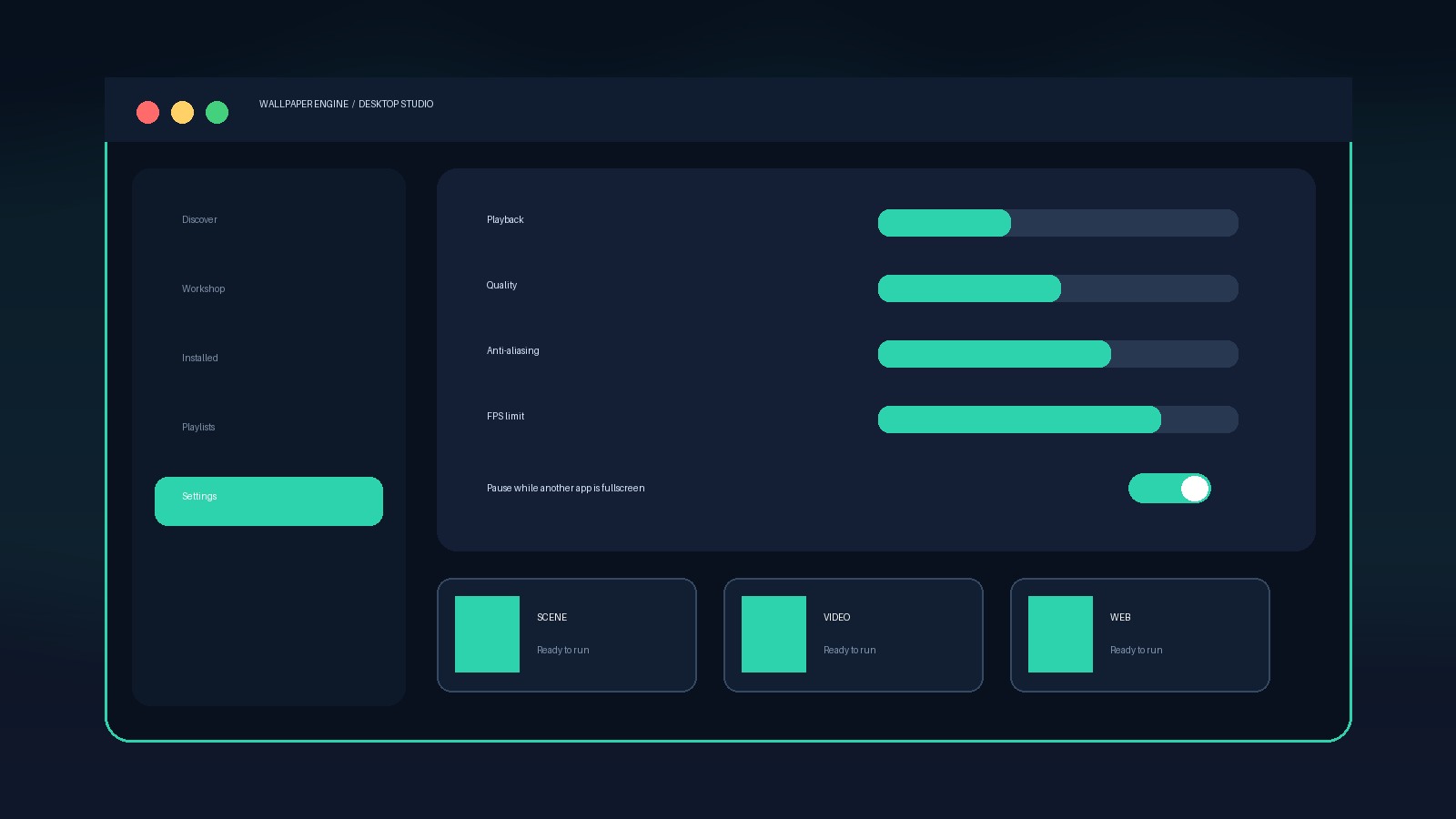
Recommended baseline
- Other application fullscreen: Pause or Stop
- Other application maximized: Pause
- Frame rate: 30 FPS for efficiency; raise only if you notice a benefit
- Anti-aliasing and post-processing: Medium as a starting point
- Keep Windows and GPU drivers current
Laptop profile
Use a lower FPS cap, pause on battery, and favor scene or video wallpapers with modest resolution.
Gaming profile
The biggest win is the application playback rule. A stopped or paused wallpaper should not compete with a fullscreen game for rendering time.
Balanced settings by use case
| Use case | FPS | Fullscreen apps | Maximized apps | Starting quality |
|---|---|---|---|---|
| Everyday desktop | 30 | Pause | Keep running or Pause | Medium |
| Gaming PC | 30–60 | Stop | Pause | Medium/High |
| Laptop/battery | 15–30 | Stop | Pause | Low/Medium |
| Multi-monitor | 30 | Stop | Pause | Start Medium |
These are starting points, not universal “best” values. A simple 2D Scene can be inexpensive at 60 FPS while a complex web wallpaper can remain heavy at a lower frame rate. Change one setting at a time and observe GPU usage, temperature, fan noise, and animation smoothness.
Settings that make the biggest difference
- Application playback: stopping wallpapers when a game is fullscreen removes unnecessary background rendering.
- Frame-rate limit: 30 FPS is usually smooth enough for ambient motion. Raise it only when the wallpaper visibly benefits.
- Wallpaper choice: resolution, particles, reflections, audio processing, and web code often matter more than a global preset.
- Multiple displays: separate animated wallpapers can add work. Test a single spanned or cloned wallpaper as a baseline.
- Video decoding: video wallpapers use the GPU's media-decoding path. Driver or codec problems can behave differently from 3D game performance.
How to test a change correctly
Open Task Manager and note Wallpaper Engine's GPU engine and utilization while the desktop is visible. Switch to a simple wallpaper, wait 20–30 seconds, and record the new reading. Then change only one variable—FPS, quality, playback rule, or wallpaper type. Testing several changes at once makes it impossible to know what solved the problem.
If another app fully covers the desktop, the better solution is usually Pause or Stop, not reducing image quality until the wallpaper looks poor.
Official references
Settings reviewed September 10, 2026.